Think out loud, privately
Your voice is transcribed and cleaned up on your Mac. Drafts do not need to pass through a cloud AI service.
Included at launchYour AI writing assistant for Mac
Say what you mean. Get writing you can use.
Speak an email, shape an idea or explain a task. Penwright turns your words into clear text in the apps you already use. Edit by voice, capture meeting follow-ups and find earlier work, with dictation and cleanup running on your Mac.
Animated demo of four things Penwright does on a Mac: dictating a Slack message, translating a selected sentence, turning a rambling instruction into a prompt an AI agent can act on, and writing up a meeting as decisions, commitments and open questions. AI processing runs on your Mac. These are illustrative examples, not measured timings.
Speak the update. Keep the conversation moving.
Write in the apps you already use
Draft in familiar text fields using macOS insertion and paste support. No separate dictation plugin to install.
Product names and logos are trademarks of their respective owners. Penwright is not affiliated with or endorsed by them.
Say it as it comes to you, including the pauses and corrections. Penwright removes fillers, adds punctuation and shapes the text for an email, a quick reply or a detailed AI prompt.
Make an email warmer. Cut a paragraph in half. Translate a reply. Select text, press ⌘⌥T and say what you want changed. Preview the result, then replace or copy it. Rewriting runs on your Mac.
we cant ship friday, the migration isnt done and QA found two blockers yesterday. probably needs another week, maybe more if the second blocker is deeper than it looks
Works on selectable text in email, documents, chat, browsers and code editors.
The call, the walkthrough and the idea all need a next step. Penwright Pro helps turn them into notes you can check, briefs you can share and dictations you can find again.
Screen, camera & screenshots
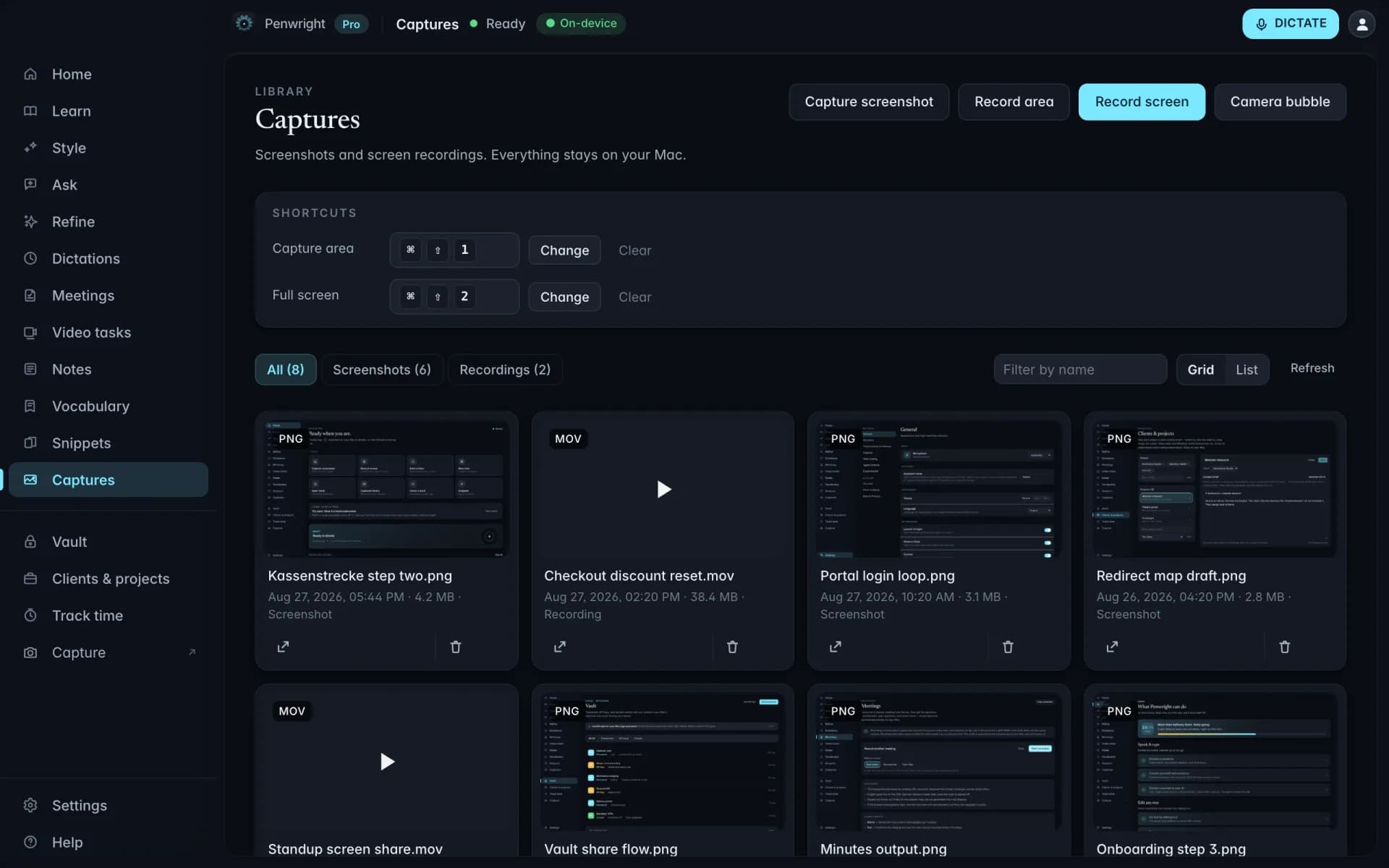
Walk a teammate through a bug, a design or a process. Record your screen with narration, or mark up a screenshot to point out the detail that matters. Keep the files on your Mac until you choose to share them.
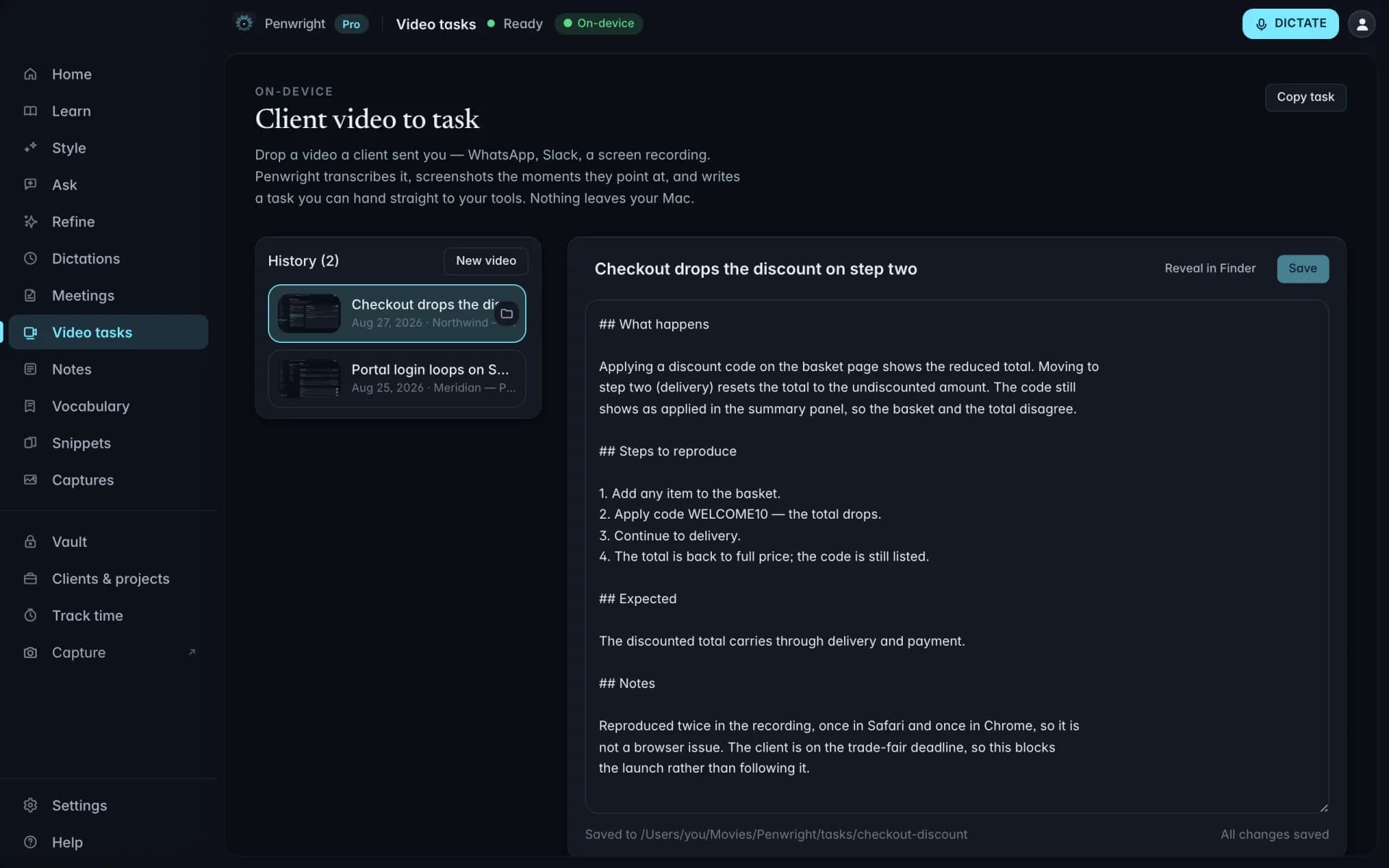
Video to written task
A client explains a change in a screen recording. Import the file and Penwright drafts a written brief from the narration, with timestamps and frames for context. Edit the title, instructions and screenshots before handing it over.
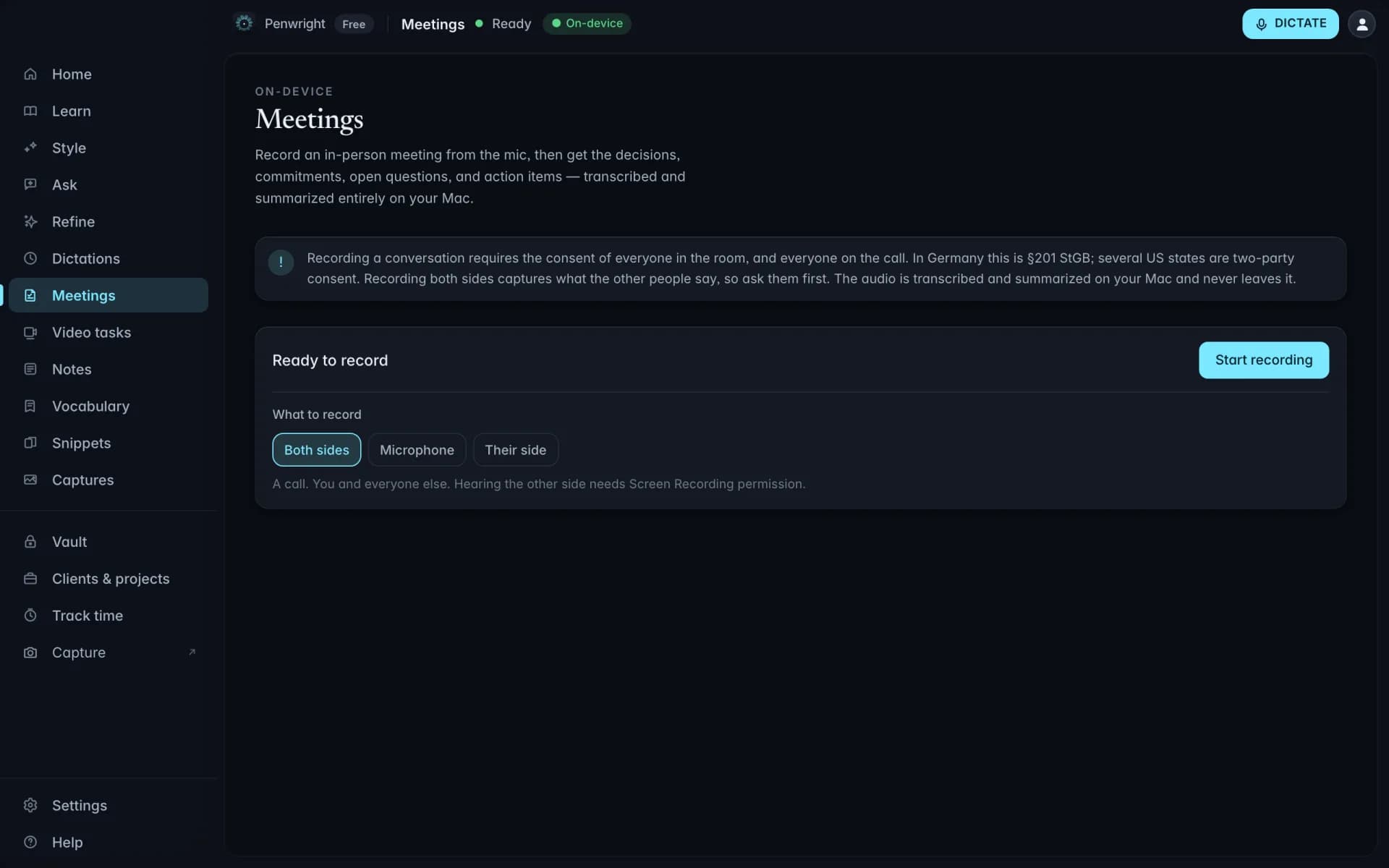
Meetings
Capture a conversation, then generate notes with decisions, commitments and open questions on your Mac. Review the draft against the transcript and keep it with the project. No meeting bot needs to join the call.
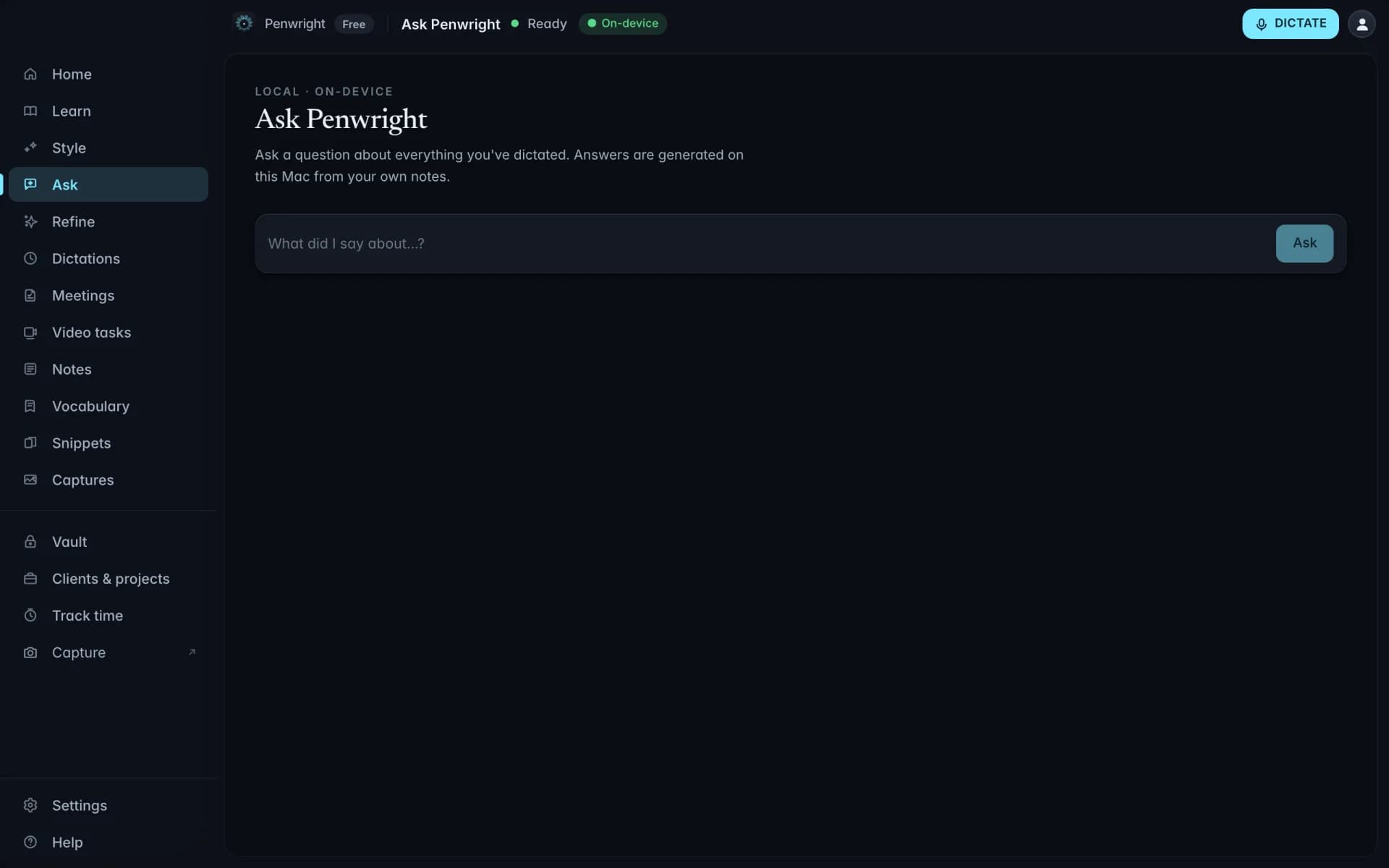
Recall
The useful detail is often something you already dictated. Ask about a deadline, an idea or an earlier update. Penwright searches your saved dictations and returns an answer with timestamped snippets you can check.
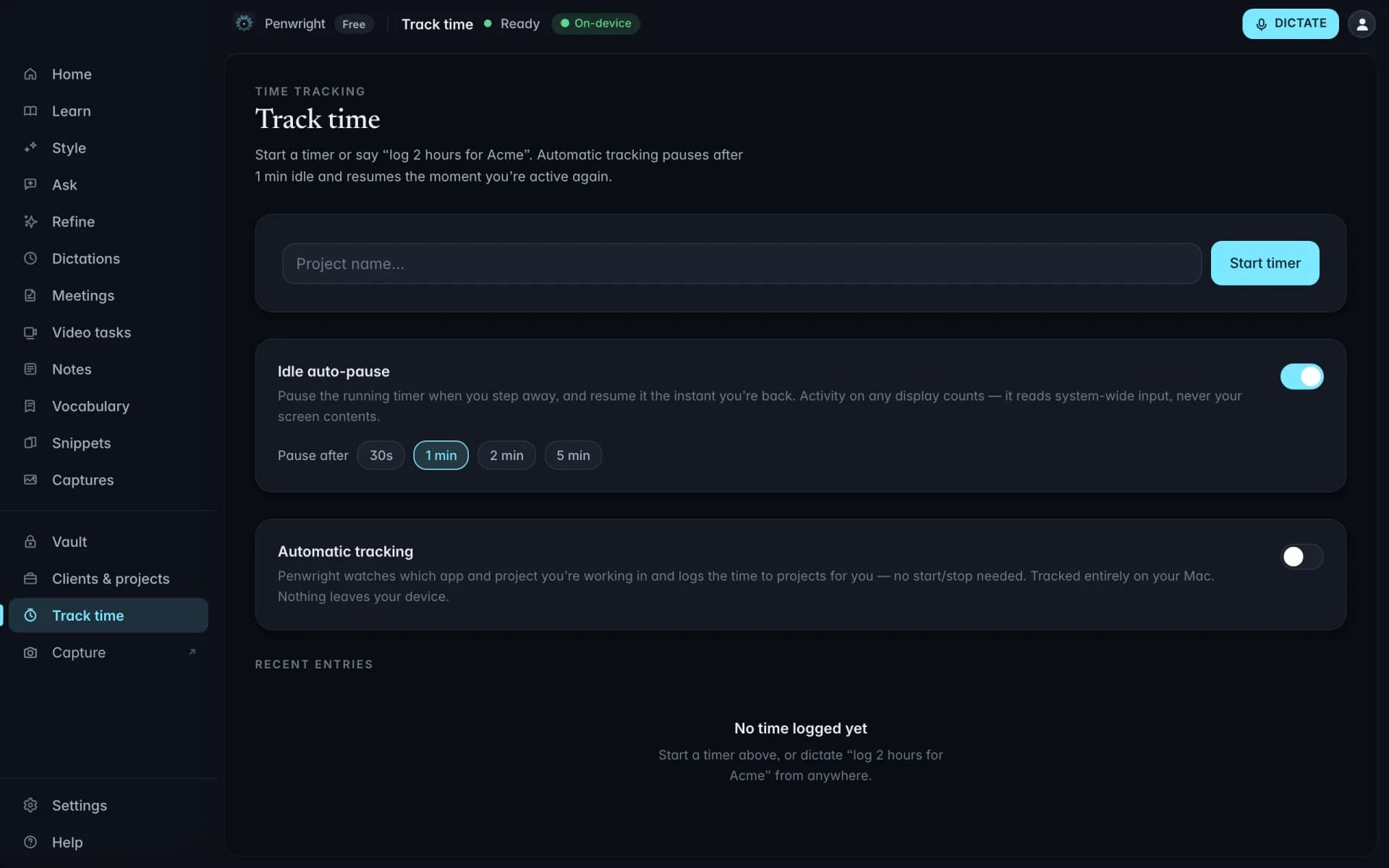
Voice time tracking
Say "Log two hours for Acme, API work," then review the entry against your project. Keep the hours and the explanation together so you spend less time reconstructing your week.
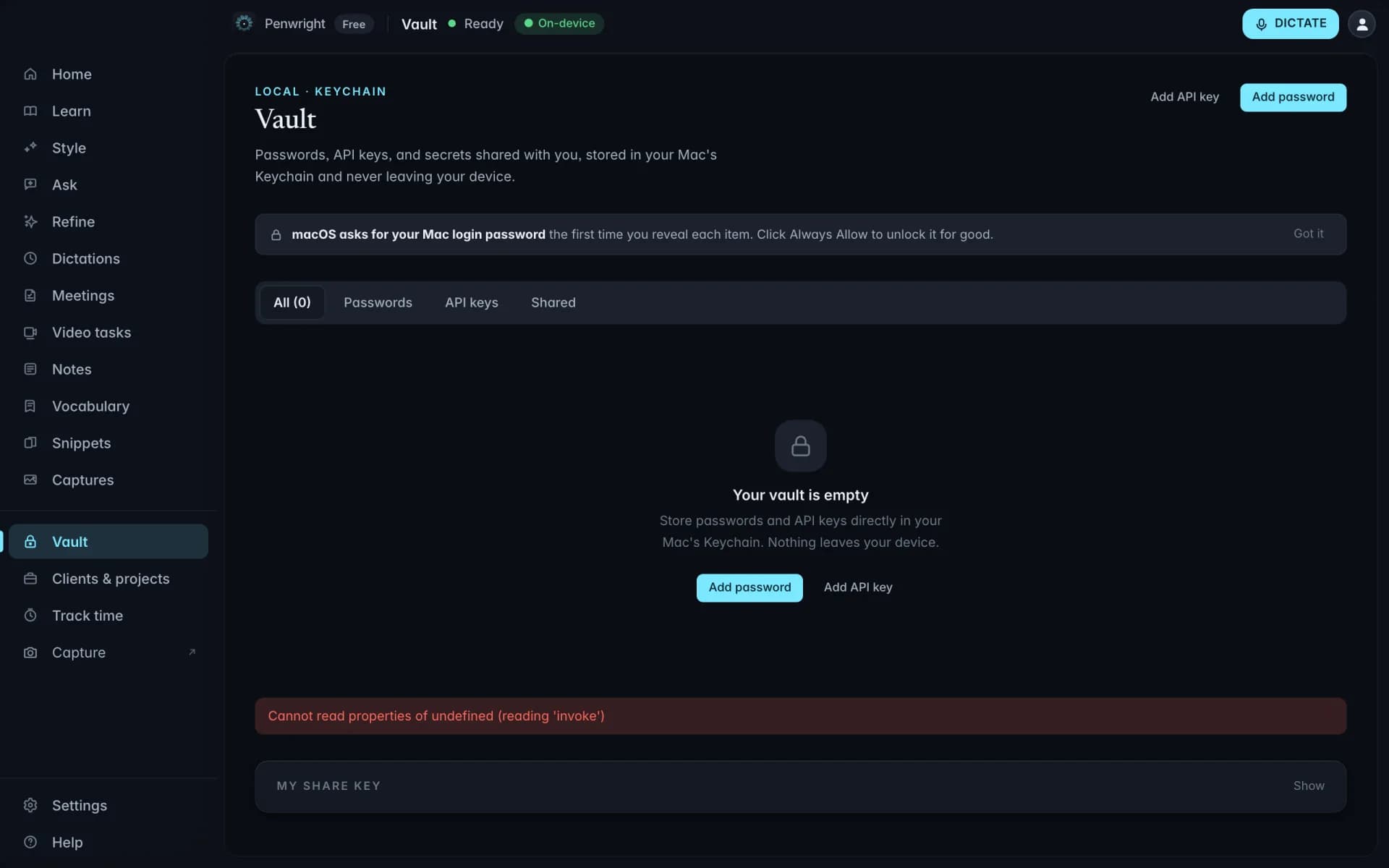
Vault
Keep API keys, licence codes and passwords in an encrypted local vault. Find and copy the item you need without searching through notes or old conversations.
Write the message, explain the task, remember the decision. Start with dictation, then use Penwright Pro to take care of the work around it.
Turn what you want to say into a clear email, message or prompt, right where you are working.
Shorten, rewrite or translate selected text. Preview the change before you replace the original.
Ask a question about your saved dictations and follow the timestamped snippets back to what you said.
Speak a note while it is fresh. Keep your thoughts in a local library you can return to later.
Turn a recorded conversation into a draft of the decisions, commitments and questions to follow up.
Annotate a screenshot or turn a narrated recording into an editable task brief with useful frames.
Log time against clients and projects while the details are fresh, ready to review when you bill.
Nobody uses every feature. Find your role and see the workflows that can start with a spoken draft.
Client notes, rough drafts and half-formed ideas are yours. Penwright handles dictation and cleanup on your Mac; its cloud API handles your account, licence and billing.
Your voice is transcribed and cleaned up on your Mac. Drafts do not need to pass through a cloud AI service.
Included at launchSaved dictations, notes and meeting records live on your Mac, ready for you to search and reuse.
Included at launchOnce setup and model downloads are complete, dictation and cleanup work without an internet connection while your licence is valid.
Included at launchYou control exports and connected services. Text you insert into another app is handled by that app under its own settings.
Included at launchCompare the work each category can carry after you speak: from the first draft to reviewed follow-ups and source-linked recall.
| Capability | Penwright | Cloud dictation apps | Local dictation apps | Built-in macOS dictation |
|---|---|---|---|---|
| Live dictation into the active app | ✓ | Varies by app | Varies by app | ✓ |
| On-device processing option | ✓ | Varies by app | Varies by app | Depends on device and settings* |
| Selected-text rewrite or translation with preview | ✓ | Varies by app | Varies by app | Check current macOS capabilities |
| Meetings into reviewable follow-ups | ✓ | Varies by app | Varies by app | Check current macOS capabilities |
| Videos into editable task briefs | ✓ | Varies by app | Varies by app | Check current macOS capabilities |
| Ask saved dictations with timestamp snippets | ✓ | Varies by app | Varies by app | Check current macOS capabilities |
| Custom vocabulary and spoken snippets | ✓ | Varies by app | Varies by app | Check current macOS capabilities |
| Plans | €9/mo · Team €12/seat | See vendor plans | See vendor plans | Included with macOS |
*macOS processing depends on the user's device and settings. This is a category-level comparison; features and prices vary by vendor. See the detailed comparison pages for sources and review dates. Compare Penwright in detail
Help your team turn conversations into clear updates, meeting notes and useful handoffs. Each person gets the Pro app, with on-device dictation and cleanup. Team plans bring seats, invitations and billing together in one place.
Explore an example using your writing time and hourly cost. Use your trial to see what changes in your own workflow.
Include writing that you could realistically dictate.
If you do not bill hourly, use a fair estimate.
Illustrative estimate using 22 workdays per month and an assumed 3.5× writing speed. This is not a measured Penwright result; it excludes review and editing time. Actual results vary.